verified Request a move-specific estimate and review the written scope before booking.
Business & Professional Offices

Tech Startup Office Moving in San Antonio

Move each desk's screens as a set, protect the whiteboards that hold current work, and coordinate phone booths with their installer and your IT vendor.

(830) 329-7272
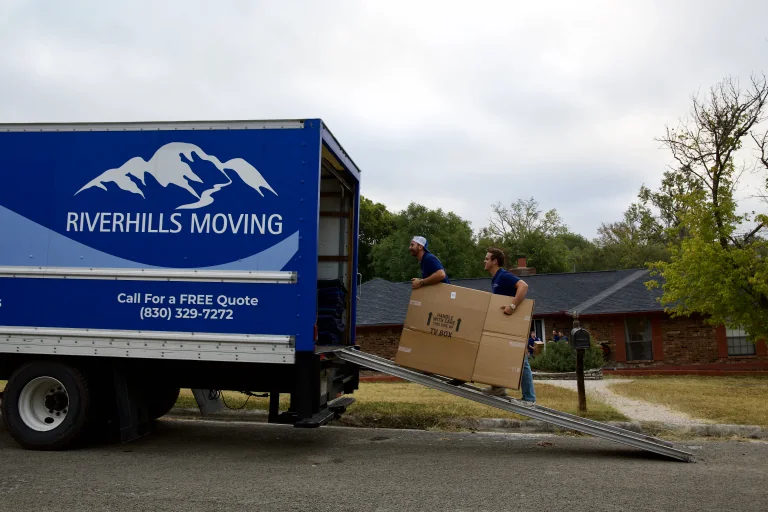
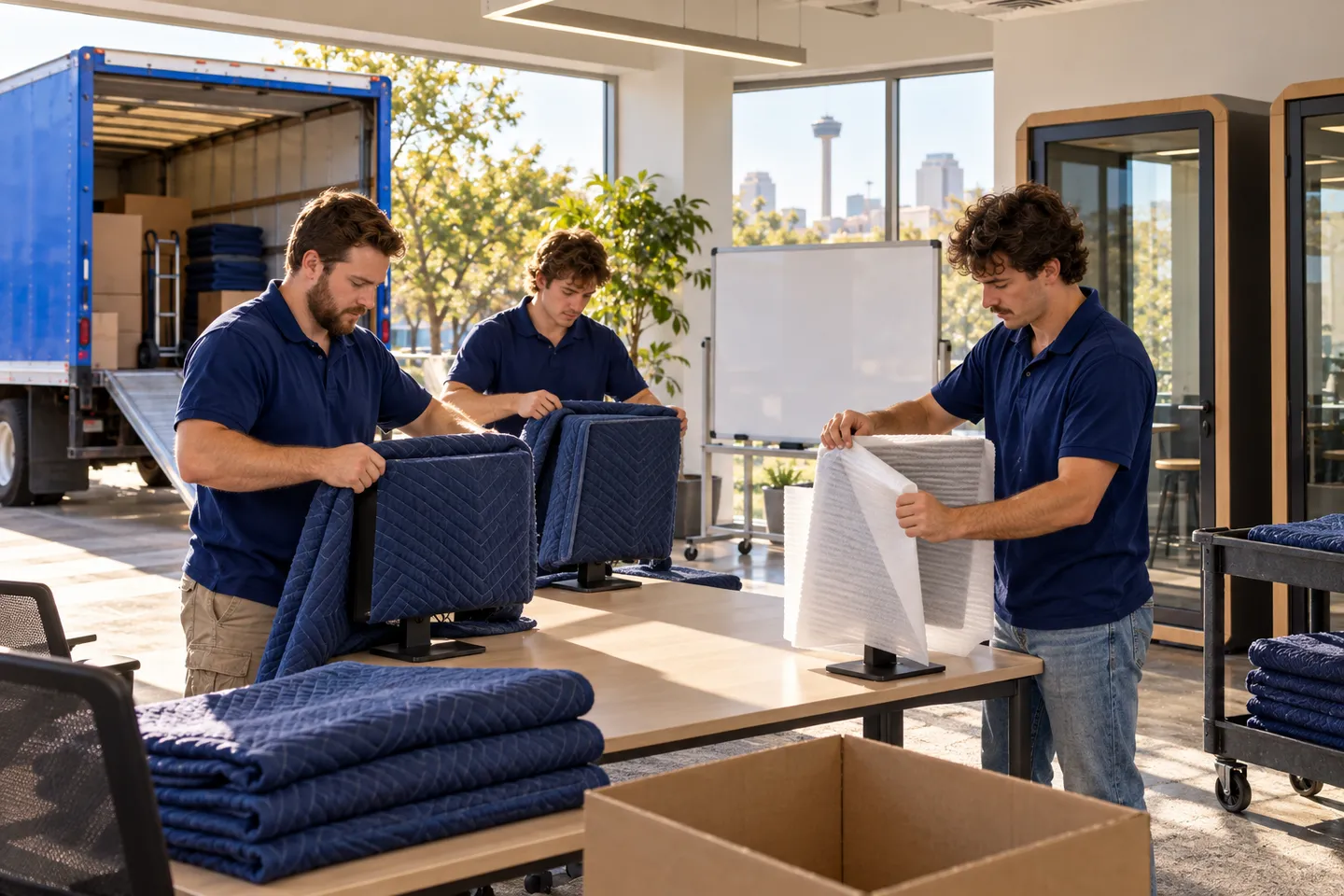
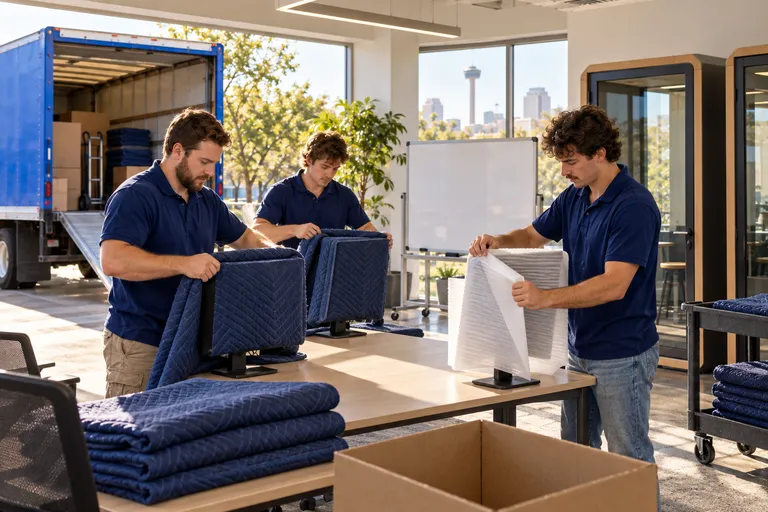
Tech Startup Office moving in San Antonio: moving crew at work
  • Licensed & Insured USDOT 3561425 · MC-1196218
  • 5.0 ★ Rated 500+ Google Reviews
  • San Antonio & Hill Country Kerrville · Boerne · Fredericksburg

Start your free tech startup office move quote

verified For estimate purposes only credit_card_off No credit card required

Planning a Tech Startup Office Move

A startup office can look easy to clear until you count the screens at each seat, the whiteboards still covered with current work, and the phone booths that cannot simply roll through a doorway. Your operations lead needs a destination plan for all three before anyone starts packing.

We walk the desk layout with your seating map and mark the monitors, arms, docks, and loose accessories assigned to each destination. Your team decides what whiteboard content to photograph or remove before a board comes down; we handle the cleared board and its removable hardware. For booths, the installer identifies the model, breakdown method, and parts that travel separately. We can move the released pieces and place them where the approved layout calls for them. Rack equipment and cabling are the IT vendor's, start to finish, so the three pieces of this move each have an owner before the first carton is built.

Who usually signs off
Operations lead or office manager, with IT and facilities approving equipment and booth plans
Timing that works
Pick a release window after teams finish at their desks; ask about evening or weekend work, then reserve time for IT checks and booth installation.

What typically moves

  • Multi-monitor desk sets Screens receive seat and position labels, so a pair or larger set returns to the intended desk arrangement.
  • Monitor arms, docks, and cable trays Removable hardware and cords stay identified by seat; facilities confirms which mounts can leave the old desks.
  • Wall-mounted and rolling whiteboards Your team clears writing first; we protect board faces and keep mounting pieces with the matching board.
  • Phone booth panels and doors The booth installer defines the breakdown and releases components for transport; we keep panels and fittings grouped by booth.
  • Collaboration tables and movable pinup boards Each piece goes to a named team area, with removable tops and legs labeled to their base.
  • Shared desk printers and accessory bins Printers and small desk supplies move to the team zone your operations lead marks on the receiving plan.

Access and scheduling

Start with the version of the seating plan that your operations lead has approved. If teams are changing neighborhoods at the same time as the move, mark the receiving desk and team zone before we label equipment. Your IT contact identifies any desk setups that must remain available through a later release window.

Phone booths need a separate access check. Compare each manufacturer's component dimensions with both doorways, elevator openings, and the new floor plan; leave space for the installer's assembly work. Ask building management about freight reservations, loading hours, wall rules, and a Certificate of Insurance. Evening or weekend access can help when the old office stays occupied, but the booth installer and IT vendor need their own confirmed windows. We plan delivery order around those handoffs, with boards and desk sets placed where they will not block assembly or cabling.

Protection and handling

At each desk, we record the screen arrangement before disconnecting approved desk-level equipment. Screens get face protection and individual padding; stands, power leads, and arm hardware travel with their matching desk set. At delivery, we place and physically reconnect the cleared items at their assigned desks. Your IT vendor then handles configuration and checks.

Whiteboard faces travel protected from rubbing, with corners guarded and mounting hardware bagged to the board. Your staff decides what to do with notes, diagrams, and magnets before removal. For a booth, we follow the installer's breakdown instructions and carry only components the installer has released. Panels are cushioned at edges and kept together by booth location. The installer handles fit, assembly, ventilation, and any fixed connections at the destination.

Who does what

Some of this job belongs to other trades. The written plan names each one.

Rack equipment, cabling, and technical setup
Your IT vendor prepares, transports, places, and checks rack equipment and cabling. We move approved desk-level equipment.
Phone booth breakdown and installation
The booth manufacturer or installer specifies disassembly, handles fixed connections, and assembles and checks the booth at the new office. We can carry released components under that plan.
Whiteboard content and wall approval
Your team preserves any writing it needs. Facilities confirms which boards can be removed and where the receiving walls permit mounting; we move the cleared boards and matching hardware.

Not part of our work

  • Booth assembly, ventilation, and any fixed connection a booth needs; the installer or the appropriate trade handles those.
  • Deciding which whiteboard notes to preserve or erase remains with your team.
  • Mounting screens or boards on new walls where facilities has not approved the location.

Around San Antonio and the Hill Country

A downtown San Antonio suite may need a freight elevator and loading reservation. Offices near Loop 1604 or US-281 may have narrow turns for booth panels and long whiteboards. In Boerne and Kerrville, measure the receiving route before the booth installer sets a visit.

The crew that shows up

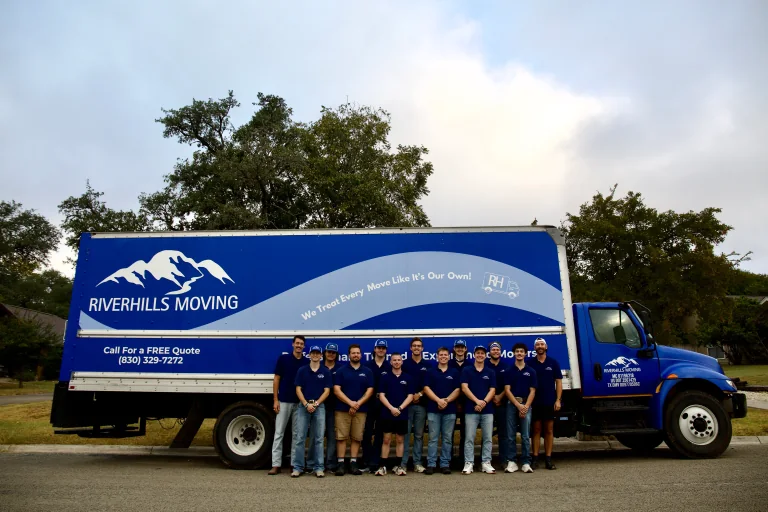
RiverHills Moving crew standing together by the truckCrew shrink-wrapping furniture before loadingCrew loading the box truck

Tech Startup Office Moving FAQs

Another question? Call (830) 329-7272.

How do we keep each developer's monitor arrangement together?

Give us a seating plan that marks the destination for each person and any shared desk. We label screens by seat and position, then keep stands, adapters, arm pieces, and cords with that set. A photo of a complicated arrangement can help your IT contact verify the rebuild. If a seat changes after labeling, your operations lead updates the map before we place that set.

Do we need to clear sprint boards before the move?

Yes. Have the responsible team photograph or remove anything it needs from a working board, including magnets and loose notes. Tell us which boards are headed to which meeting area. We can move cleared rolling boards and wall boards that facilities has approved for removal, with their hardware labeled. Your team checks the content plan before the board leaves.

Can our phone booths move as complete units?

The booth manufacturer or installer should make that call after checking the model and both access routes. Some units need to be broken into panels before they can leave a room or enter an elevator. We can transport components once the installer has released and identified them. The installer handles assembly and checks at the new location, including any fixed connection the booth requires.

When should our IT vendor work around the desk and booth move?

Ask IT to mark what it will handle before desk labels are applied and to give us a release point for each occupied zone. Our crew can physically disconnect and reconnect approved desk equipment. IT handles rack equipment, cabling, configuration, and checks on its own schedule. Put the booth installer's window on the same plan so delivered panels do not take over IT's work area.

Plan your business move

Tell us both addresses, the building rules you know about, and the dates you cannot move. We will send back a written plan and estimate.

Call (830) 329-7272

Mon–Fri 8 AM–6 PM · Sat 9 AM–4 PM · Sun Closed

Call Now call 830-329-7272