
verified Request a move-specific estimate and review the written scope before booking.
Commercial Service

IT Workstation Moves in San Antonio

Each desk setup travels under its seat label, with physical disconnect and reconnect handled by the moving crew and technical setup directed by your IT contact.

(830) 329-7272
IT Workstation Moves moving in San Antonio: moving crew at work
  • Licensed & Insured USDOT 3561425 · MC-1196218
  • 5.0 ★ Rated 500+ Google Reviews
  • San Antonio & Hill Country Kerrville · Boerne · Fredericksburg

Start your free commercial move quote

verified For estimate purposes only credit_card_off No credit card required

How We Plan IT Workstation Moves

A workstation move starts with a seat map, not a stack of screens. Your office manager knows where each person will sit; your IT contact knows which devices belong there. We use both to plan the physical handoff. At the old desk, we label each component and cable set with the destination seat, then disconnect equipment you have cleared for moving. At the new desk, we place those components together and make the planned physical reconnections.

That work covers equipment used at a desk: computer, monitors, docking station, keyboard, mouse, desk phone, and local printer where applicable. It does not make the new desk ready for business systems by itself. Your IT contact owns network access, device imaging, user settings, and functional checks. We ask them to identify equipment that must stay in place or needs another technician before the crew starts. For a broader office relocation, see our office moving service.

Who usually signs off
Office manager coordinating seating with IT
Timing that works
Plan disconnect after staff finish at each desk; request an evening or weekend window, then reserve IT time for setup and checks.

What typically moves

  • Desktop computers and small form factor PCs Each unit receives a seat label before cords are removed, then travels padded with its accessories.
  • Monitors and detachable stands Screens are protected individually; stands and power leads stay identified with the screen and seat they serve.
  • Docking stations and power adapters Small devices and adapters go into labeled bags or cartons instead of mixing with another desk's set.
  • Keyboards, mice, and desk headsets User peripherals are bagged by seat so your IT contact can find the intended set during checks.
  • Desk phones and local printers We move approved desk units and their physical leads; your IT contact handles service, settings, and print setup.
  • Monitor arms and desk cable trays Removable parts are labeled to the receiving desk; your facilities contact confirms which mounted pieces may come off.

Access and scheduling

Settle the seating plan before labels go on devices. A unique seat code should match the floor plan, equipment list, and receiving desk. Your office contact resolves seat changes; your IT contact marks devices that should remain powered or be handled separately. We can work in sections if staff occupy part of the floor, disconnecting only desks released for that window. Staff should save their work and follow IT shutdown instructions before their station is cleared.

Building rules affect the sequence too. Ask management about loading access, freight elevator reservations, cart routes, and whether a Certificate of Insurance is required. For an evening or weekend window, confirm who can open both spaces and who from IT will be available after placement. We plan staging space away from active desks so labeled equipment can be checked against the map without blocking halls or neighboring tenants.
Protection and handling

Before lifting a screen or computer, we check its seat label against the destination plan and keep the related cords with it. Ports and plugs can look alike, so we identify connections before unplugging and keep desk sets separate during packing. Monitors receive face protection and padding; smaller peripherals travel in labeled cartons. Cords are coiled without tight bends, and detachable stands or arms are cushioned with hardware secured to the same seat group.

At delivery, we place equipment at its assigned position and make the planned physical connections for power, displays, and desk peripherals. The IT contact takes over for network access, device imaging, account settings, and testing. If a plug, mount, or destination desk differs from the plan, we hold that item for their direction. Your staff keep passwords, security keys, and work files under their control. The placement list gives IT a starting point for checks at each seat.

Who does what

Some of this job belongs to other trades. The written plan names each one.

Device configuration and connection checks
Your IT contact handles network access, device imaging, account settings, and functional testing. We handle only the approved physical disconnect, transport, placement, and reconnect at the desk.
Seat assignments and equipment exceptions
Your office contact supplies the destination map; your IT contact flags equipment that stays powered or needs separate handling. We label and move only the released desk sets.
Mounted arms and desk modifications
Your facilities contact authorizes removal and confirms the receiving desk can accept the mount. We handle removable parts within the agreed move plan.

Not part of our work

  • User accounts, passwords, software setup, device imaging, and functional troubleshooting remain with your IT contact.
  • Infrastructure equipment and connections beyond the individual desk remain under your IT contact's direction.

Around San Antonio and the Hill Country

San Antonio offices around Loop 410, Stone Oak, and downtown can have very different rules for carts, elevators, and after-hours access. A workstation plan for a multi-tenant floor near the South Texas Medical Center may need building approval before labels or packing begin. In Boerne and Kerrville, the route may be shorter, but the same seat map and IT handoff still determine where each setup belongs.

The crew that shows up

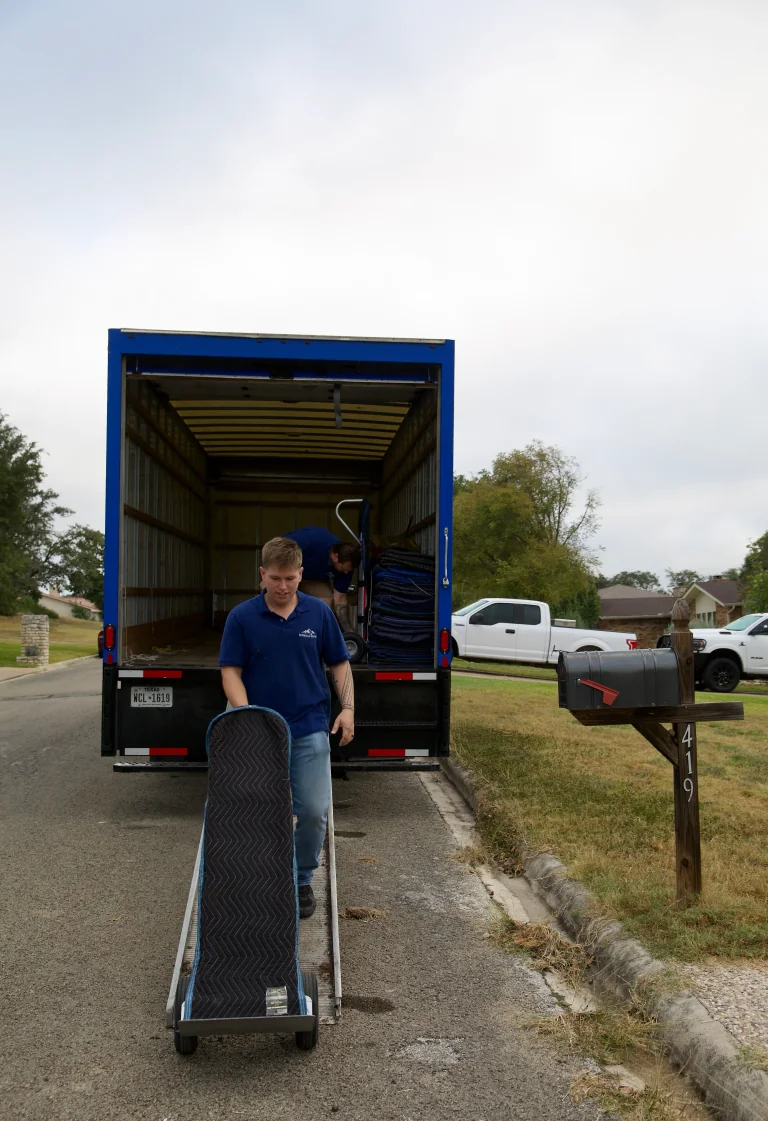
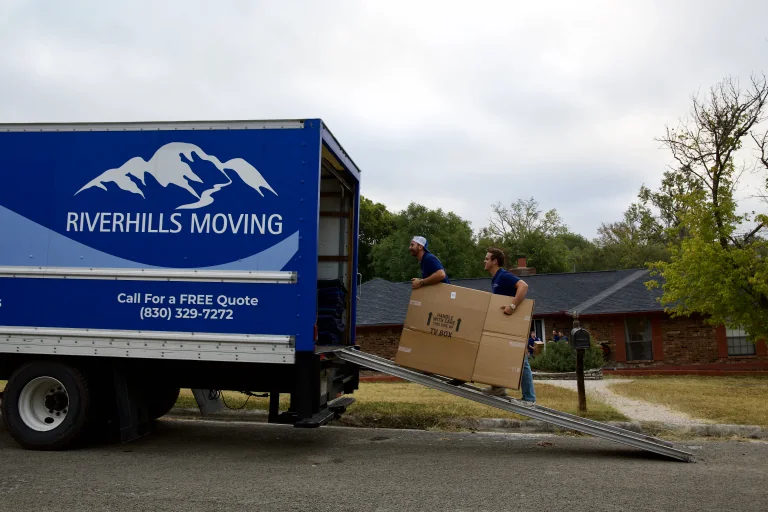
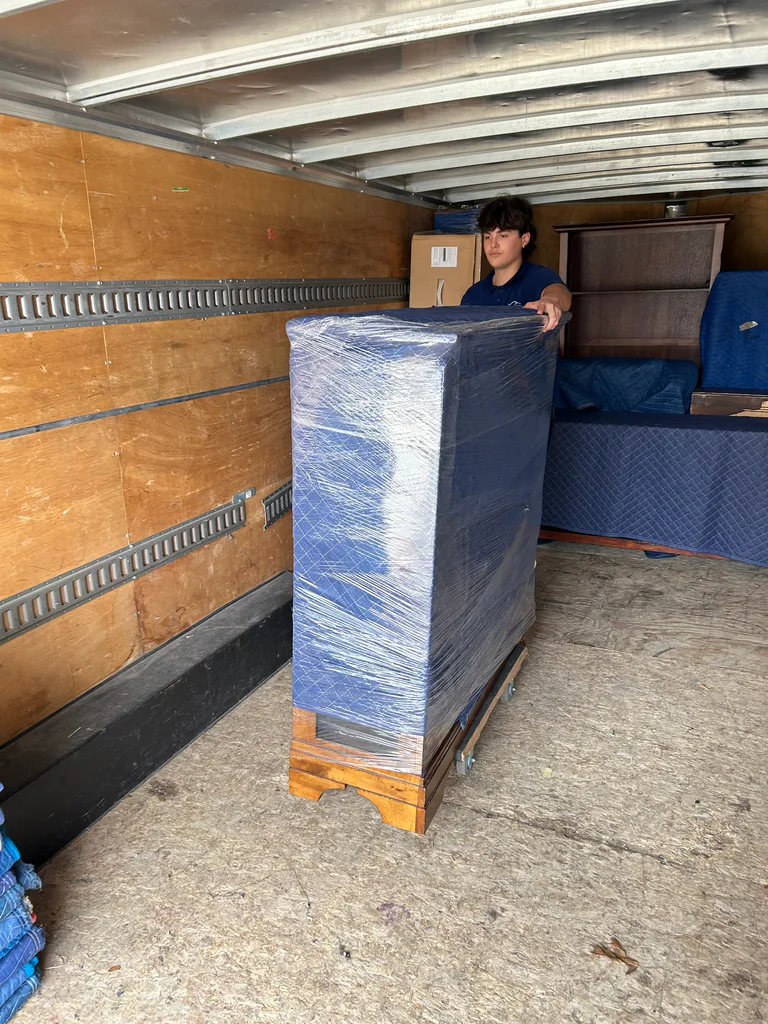
Crew loading the box truckCrew carrying pad-wrapped furniture to the truckLoaded hand dolly at the truck ramp

IT Workstation Moves FAQs

Another question? Call (830) 329-7272.

Who decides which cords come off each employee's desk?

Your IT contact identifies connections that can be physically unplugged and any equipment that must stay in place. We label the approved cords and components to the seat before disconnecting them. If the desk has an unfamiliar connection or a shared device, the crew pauses for IT direction. That keeps the physical move aligned with your own equipment rules.

How do you keep a person's monitors and dock with their new seat?

Give us a seating plan with a unique code for each receiving desk. We put that code on the computer, monitors, dock, cord set, and accessory bag before anything leaves the old position. At delivery, we compare the labels with the marked desk. Your office contact can approve a changed seat assignment before we place the equipment.

Will a physically reconnected workstation be ready for staff to sign in?

Your IT contact makes that call after checking network access, device setup, account settings, and each user's applications. Our crew reconnects the approved desk-level plugs and places the equipment according to the seat map. We can leave a clear placement list so IT knows which stations are ready for its checks and which need a decision about a connection or mount.

Can we move workstations in sections while other employees remain on the floor?

Yes, if your office contact and building can give each section a safe route and a defined release window. We label only the desks in that section, keep packed equipment out of active aisles, and place it at the corresponding destination seats. Your IT contact can check one section before the next is released, based on the schedule your team chooses.

Plan your business move

Tell us both addresses, the building rules you know about, and the dates you cannot move. We will send back a written plan and estimate.

Call (830) 329-7272

Mon–Fri 8 AM–6 PM · Sat 9 AM–4 PM · Sun Closed

Call Now call 830-329-7272